

How It Works
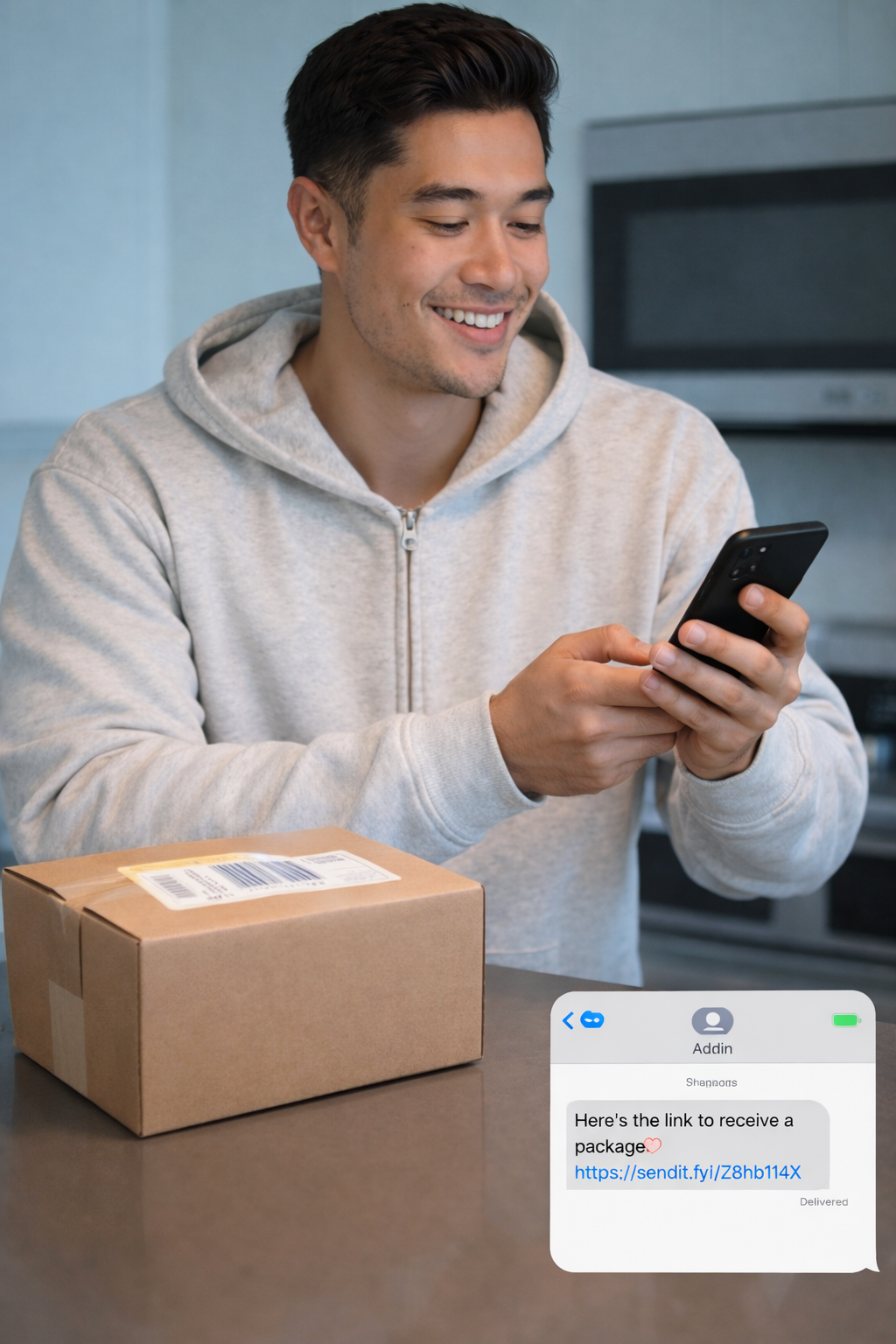
- Want to brighten someone's day?Send them a gift without asking them for their "address".
- Selling or giving something to someone?Let them decide where to receive it.
- Left something behind at a friend's place?They can send it back in just a few taps.
Frequently Asked Questions
How does Send by Link work?
It's three steps. First, you create a Sendit Link and choose your shipping preferences. Then you share that link with your recipient — by text, email, DM, or any way you'd share a link. They open it and enter their own address. Once they accept, you get a shipping label and QR code to drop off the package at the post office.
Do I need the recipient's address?
No — that's the whole point. You share a link and the recipient enters their own address when they accept. With Direct Shipping, the address appears on the shipping label you receive (as required by carriers). With Private Shipping (Beta), even the label shows our hub address, so you never see where it's going.
When do I pay?
You only pay when the recipient accepts. If they don't open or accept the link, you pay nothing. You can also compare shipping rates across carriers before confirming.
What can I send?
You can send almost anything you'd normally ship through the mail — letters, packages, gifts, care packages, and more. You bring your own item to the post office and use the shipping label Sendit provides. Size and weight limits depend on the carrier you choose at checkout.
What carriers do you support?
We support USPS, UPS, and FedEx. At checkout, you can compare rates, select your carrier, and use custom package sizes for UPS and FedEx to find the best option for your shipment.
What happens if they don't accept the link?
Links stay active for 7 days by default, and you can customize the expiration or cancel a link anytime before it's accepted. If a link expires or is declined, you don't pay anything.