
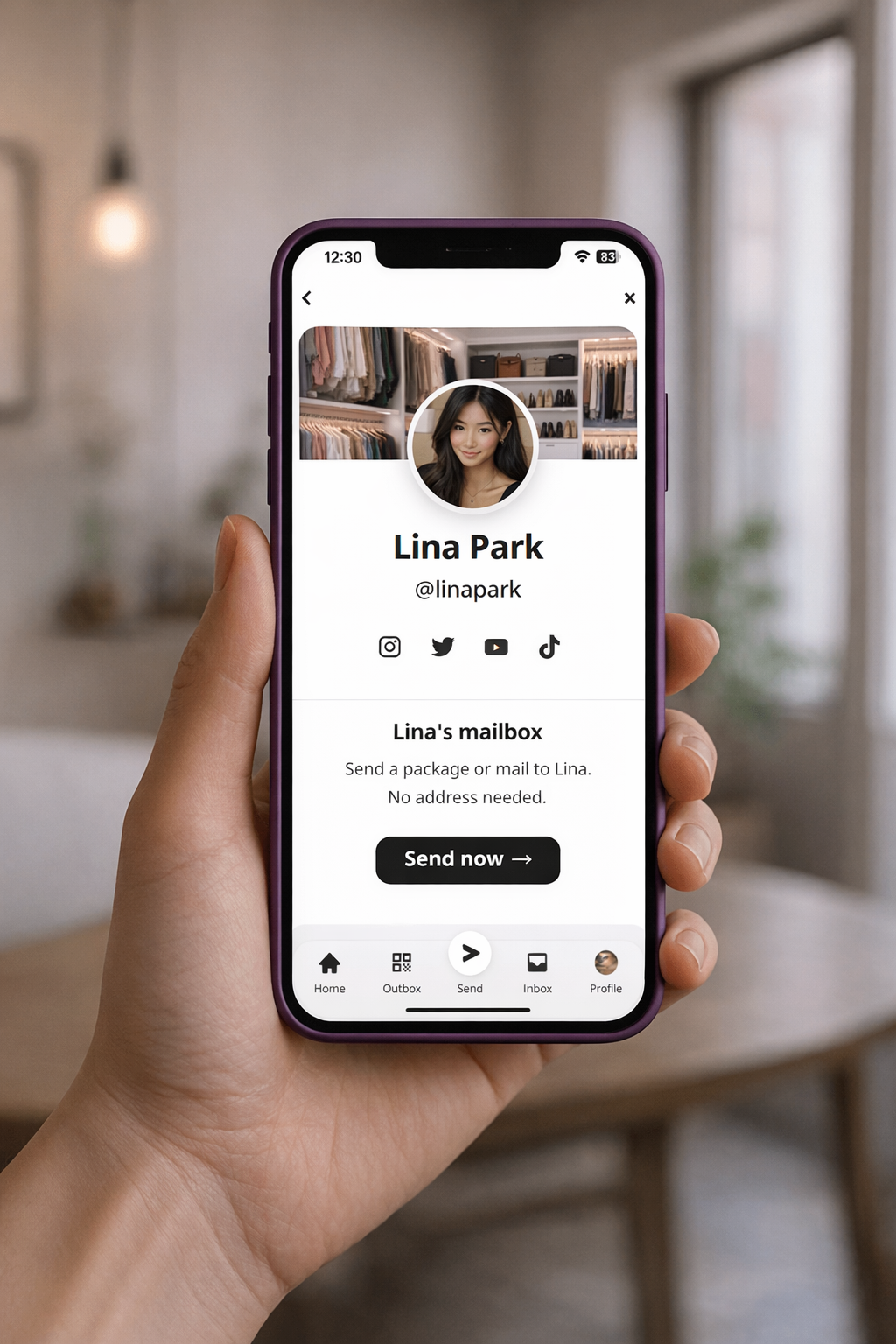
How it works

- Address always up to dateMove around? No worries. Update your address once and your link still works everywhere.
- No more awkward asksSkip the "What's your address again?" texts. Just share your link and let people send.
- Packages, on your termsChoose where things go: home, work, or a PO Box.

Frequently Asked Questions
What is a Sendit Mailbox?
A Sendit Mailbox is a permanent link with your own unique @sendit handle — like sendit.fyi/@yourname. Think of it as a link-in-bio for your real-life mailbox. Anyone with your link can send you mail and packages without knowing your address. You control the address behind it, and it works forever.
How do I share my Sendit Mailbox?
Put your sendit.fyi/@handle link anywhere you want to receive mail — your social media bio, texts, emails, business cards, or anywhere you'd share a link. When someone wants to send you something, they click your link and follow the steps.
What happens if I move?
Just update your address in Sendit. Your link stays the same — anyone who has it will always send to your current address. No need to tell anyone you moved or re-share your link.
Can I use my PO Box with Sendit?
Yes. You can connect any mailing address to your Sendit Mailbox — home, office, or PO Box. Pairing a PO Box with Sendit gives you the best of both worlds: full address privacy from the PO Box, plus a shareable digital link from Sendit.
Is my address private?
It depends on the shipping mode. With Direct Shipping, senders never need to ask for your address — they just use your Sendit link and you enter the address yourself. The address does appear on the shipping label, as required by carriers. For full address privacy, use Private Shipping (Beta) — your package routes through our secure mailing hub so the sender never sees your address, not even on the label.
How is this different from a PO Box or virtual mailbox?
A PO Box gives you privacy but requires monthly fees, in-person pickup, and can't be shared as a link. Virtual mailboxes cost more and need physical locations. A Sendit Mailbox is a free, instant, shareable link — no physical infrastructure needed. And with Private Shipping (Beta), you get full address privacy without a PO Box at all.